TanahX turns a live world map into a strategy simulation where users explore territory, place logos, and compete for visibility.
Start by exploring the map. From there, you can find active logos, inspect public activity, move into the grid layer, and claim territory for your own brand, project, or community.
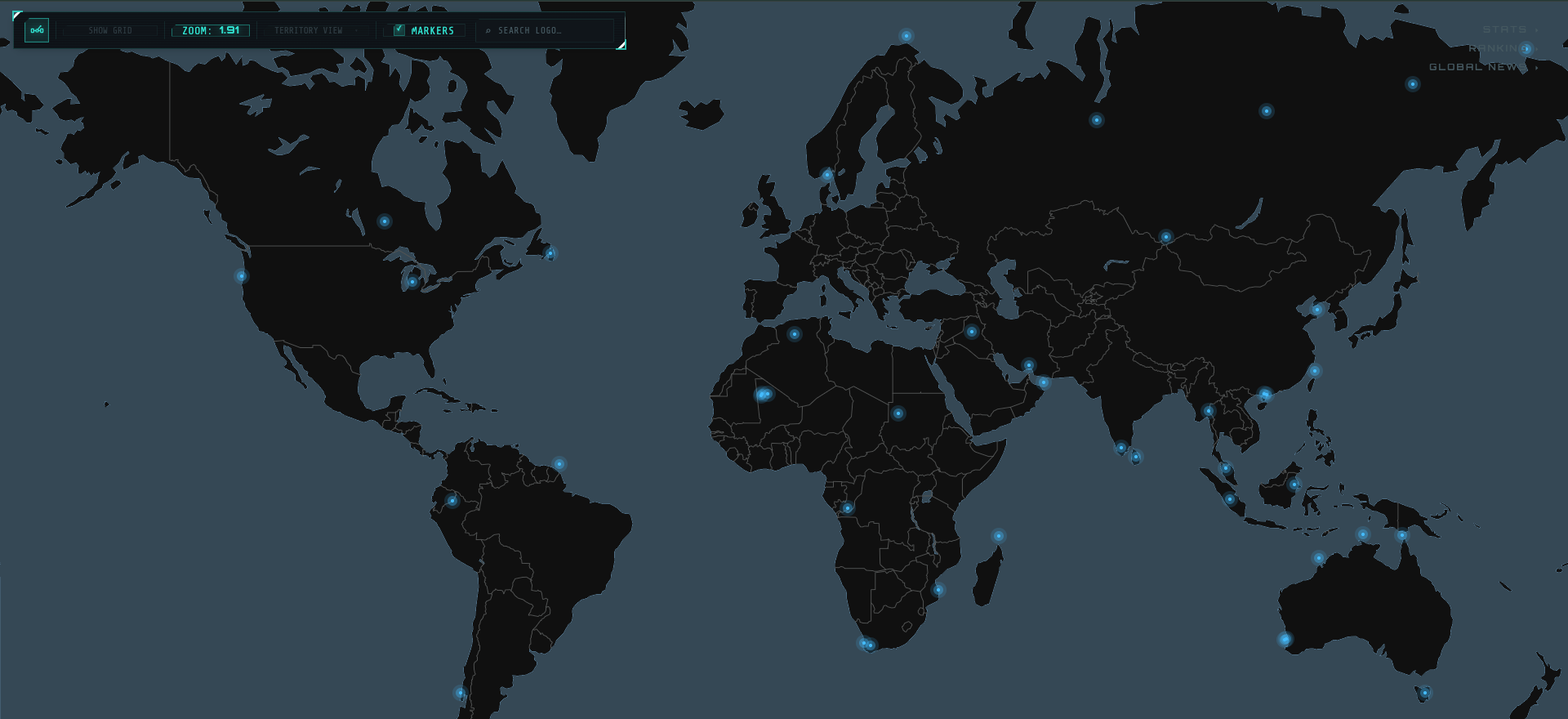
Live map overview: explore active territories, search logos, and follow global activity.
3Search Logo
4Check Activity
5Explore the Global Map
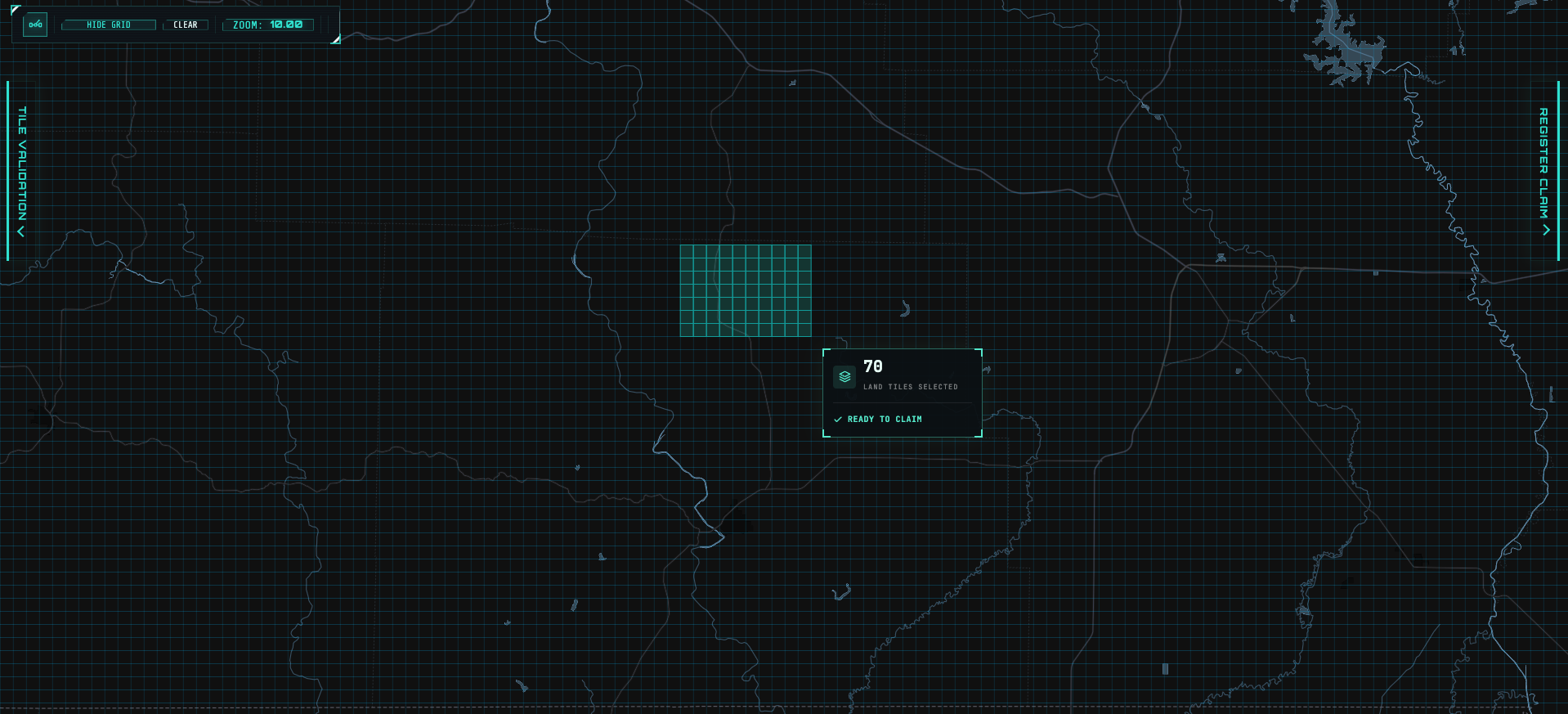
1Select Tiles
2Review Tile Count
3Validate Selection
4Register Claim
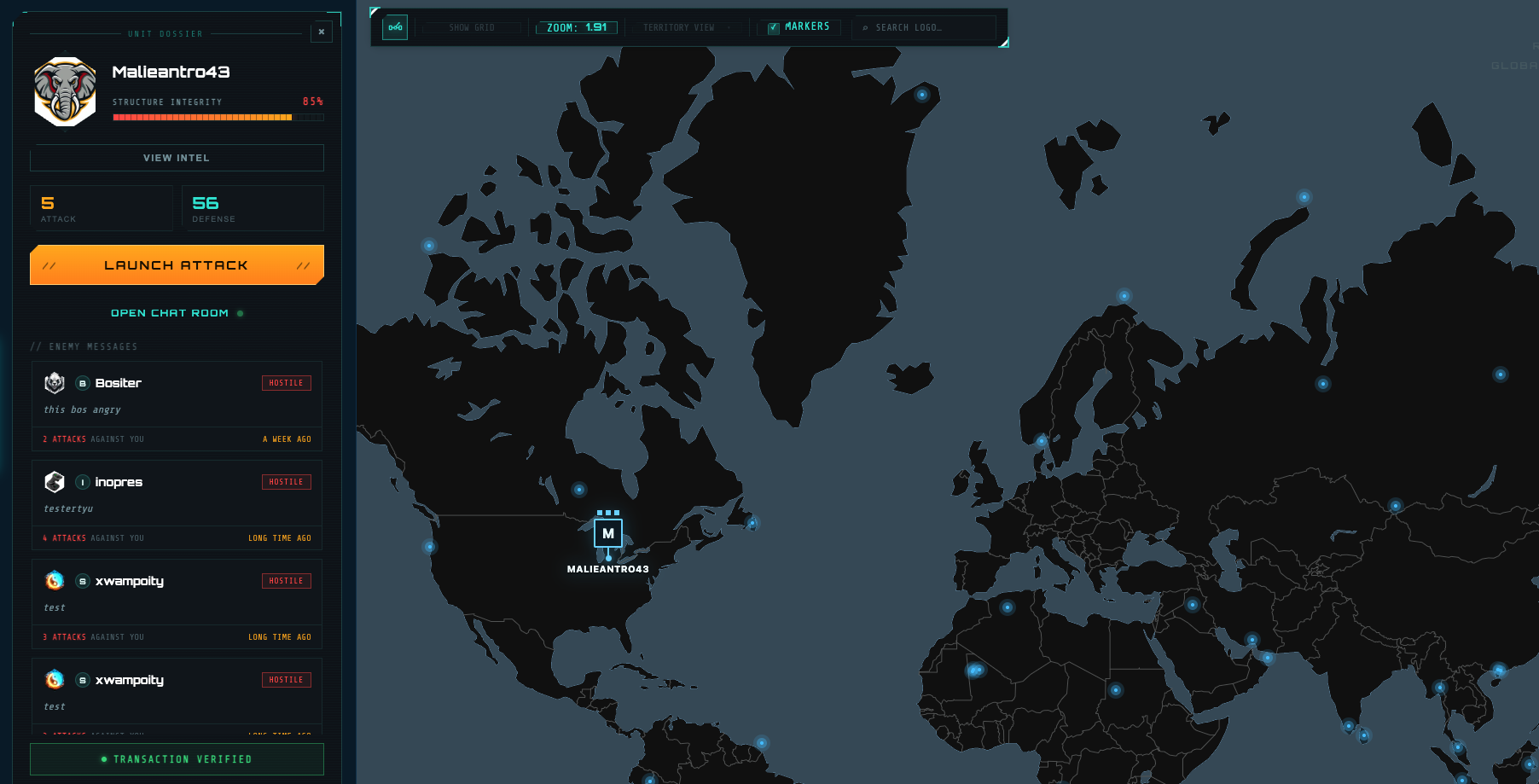
1View Intel
2View Attack Lines
4Join Chat Room
5Read Attacker Messages
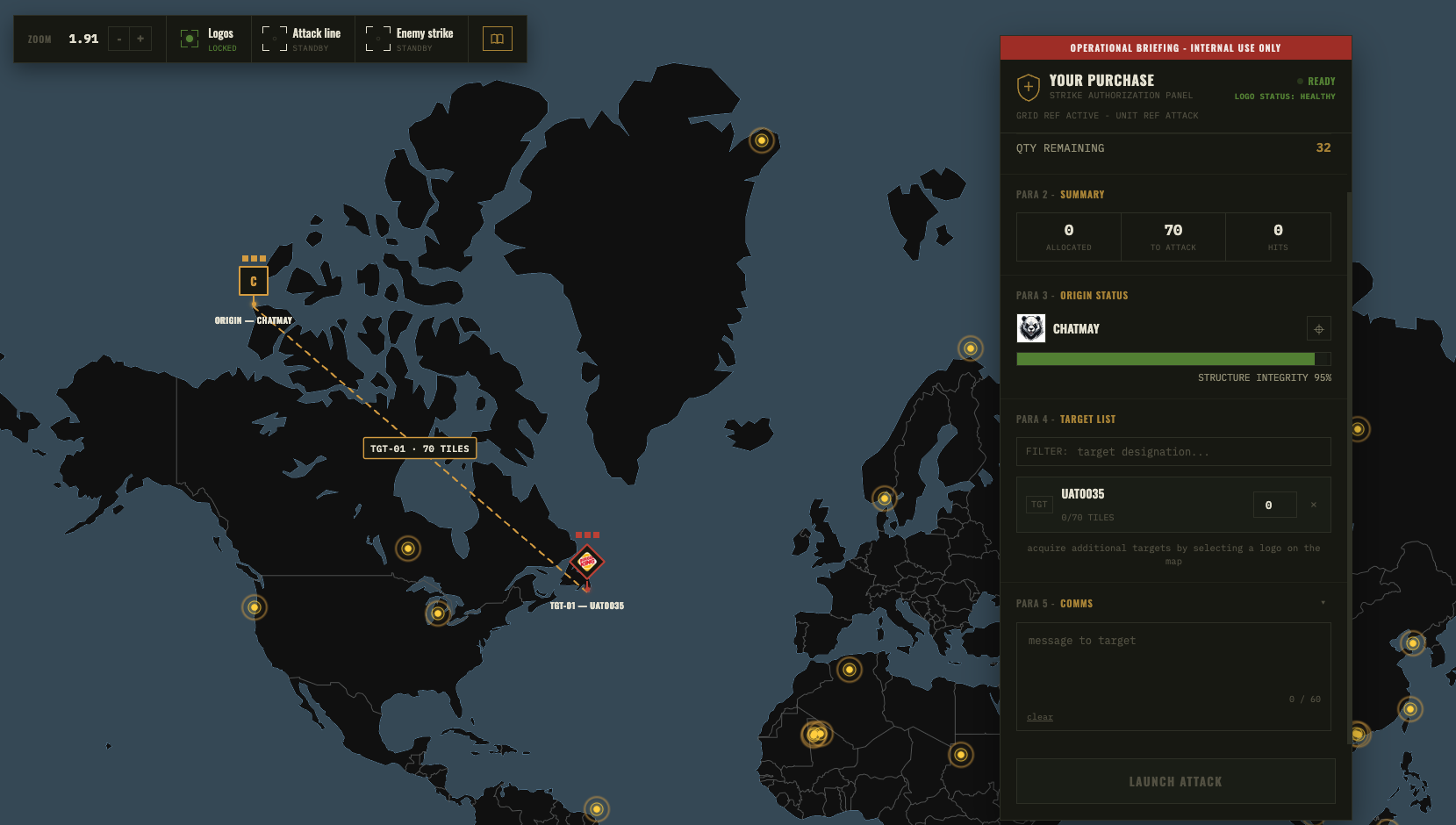
1Choose Target Logo
2Set Attack Quantity
3Leave Message
4Launch Attack
Pulsing numbers open the next guide step.
1. Show Grid Mode
Turn on the grid layer when you are ready to choose territory.
2. Find Active Logos
Click any active logo to view its info panel, join its chat room, or contribute attacks in the strategy simulation.
3. Search Logo
Use search to find a specific logo, brand, or claimed territory.
4. Check Activity
View stats, rankings, and global news to follow map activity.
5. Explore the Map
Move around the live world map and discover active regions.
1. Select Tiles
Right-click, hold, and drag across available grid tiles to create the territory area for your claim.
2. Review Tile Count
Check how many land tiles are selected before continuing.
3. Validate Selection
Optionally use tile validation as feedback to confirm the selected area is available.
4. Register Claim
After the selection is finalized, open the register claim flow to add your logo, details, and website link.
1. View Intel
Open detailed intel to see information about the selected logo and territory.
2. View Attack Lines
Review incoming and outgoing attack lines connected to this logo.
3. Contribute Attack
Launch or contribute attacks to the selected logo as part of the strategy simulation.
4. Join Chat Room
Enter the logo chat room to talk with the owner, community, or visitors.
5. Read Attacker Messages
View messages from attackers who launched attacks against this logo.
1. Choose Target Logo
Select the logo on the map that you want to target in the strategy simulation.
2. Set Attack Quantity
When the logo appears in the target list, choose how many attacks to launch.
3. Leave a Message
Add an optional message that will be shown to the target logo.
4. Launch Attack
Review the setup, then launch the attack when everything is ready.
What Comes After the Overview?
The live map gives you the big picture. To claim land, you move into the grid mode, choose available tiles, and follow the claim flow to place your logo.
Attacks, defenses, rankings, and global news create ongoing movement. TanahX is a simulation for entertainment and creative brand visibility, not real-world conflict.
Ready to Try the Map?
Open TanahX, explore the live map, and start planning where your logo belongs.
 TANAHX HOW IT WORKS